
Smart crossfade
Automatically fade between songs, with transitions that adjust to the music.
A YouTube Music client for Windows, Linux, and Android, with smart crossfade, synced lyrics, offline playback, and more.
Windows · Linux · Android · macOS coming soon
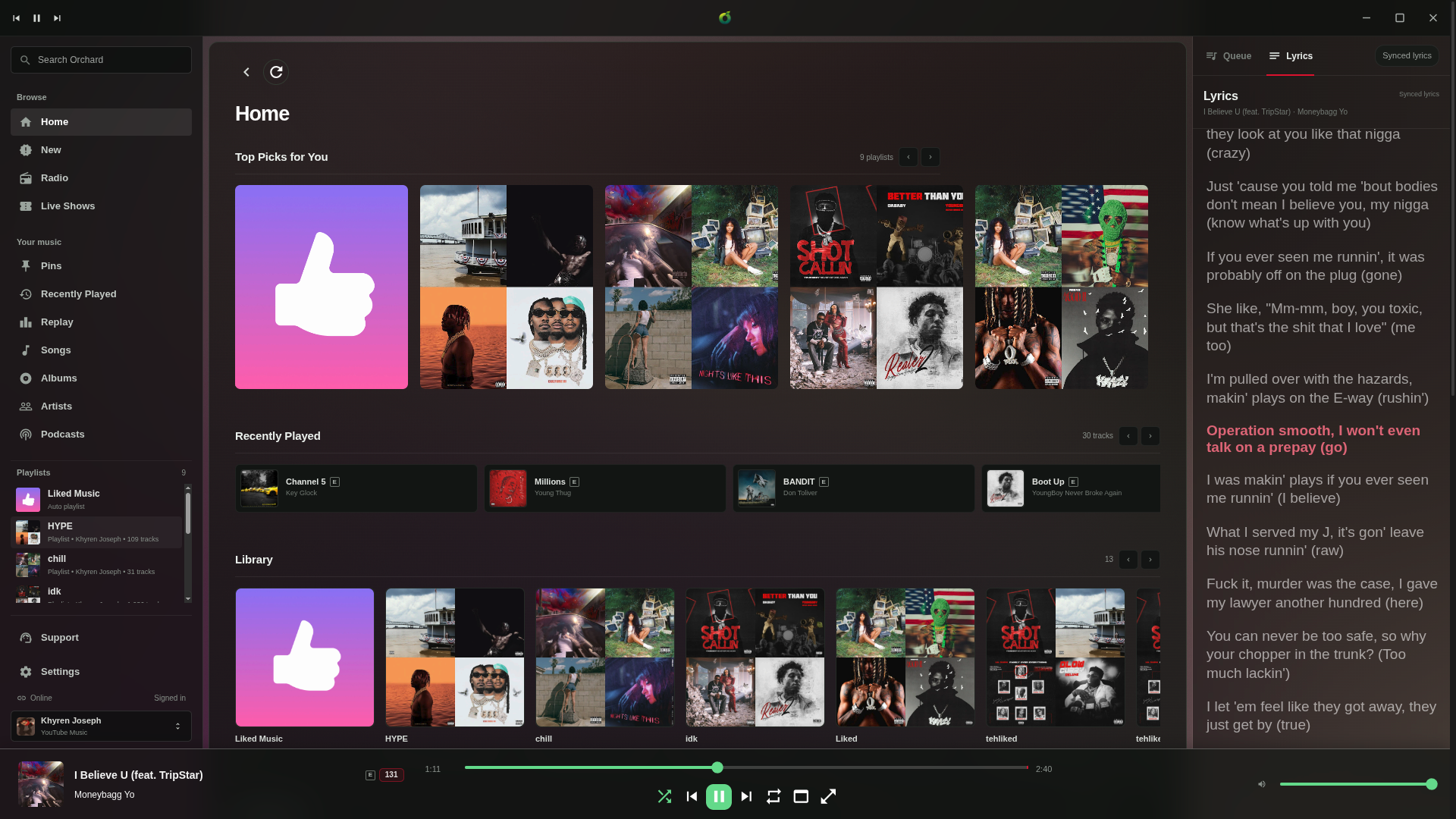
Manage your library, listen offline, play local files, and switch between devices.
Automatically fade between songs, with transitions that adjust to the music.
Keep listening to your saved music, even without an internet connection.
Manage your playlists, listening history, and upcoming songs in one place.
Play music from your own folders alongside your YouTube Music library.
Switch playback between your devices running Orchard.
Show what you're listening to on Discord, use media keys, and control playback from your system.
Hear the handoff as Orchard blends one song into the next.
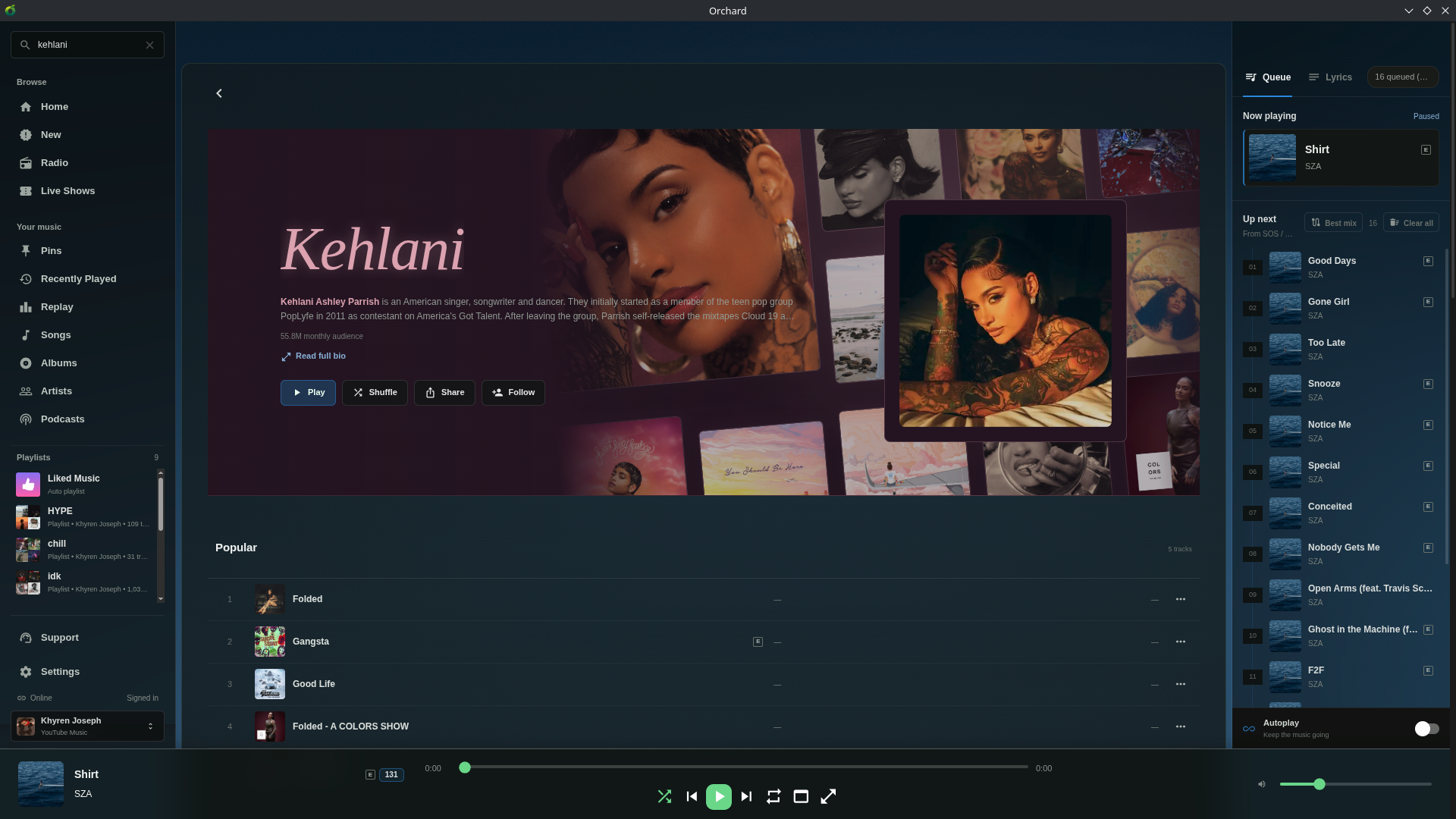
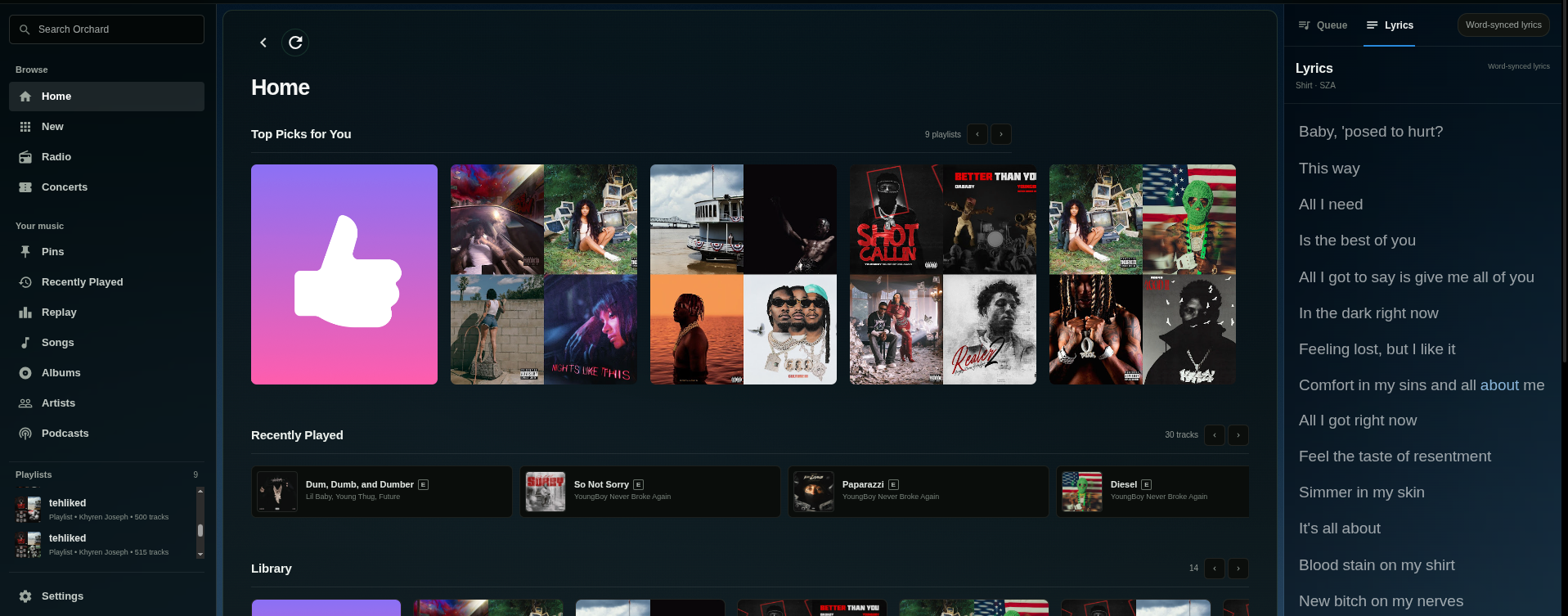
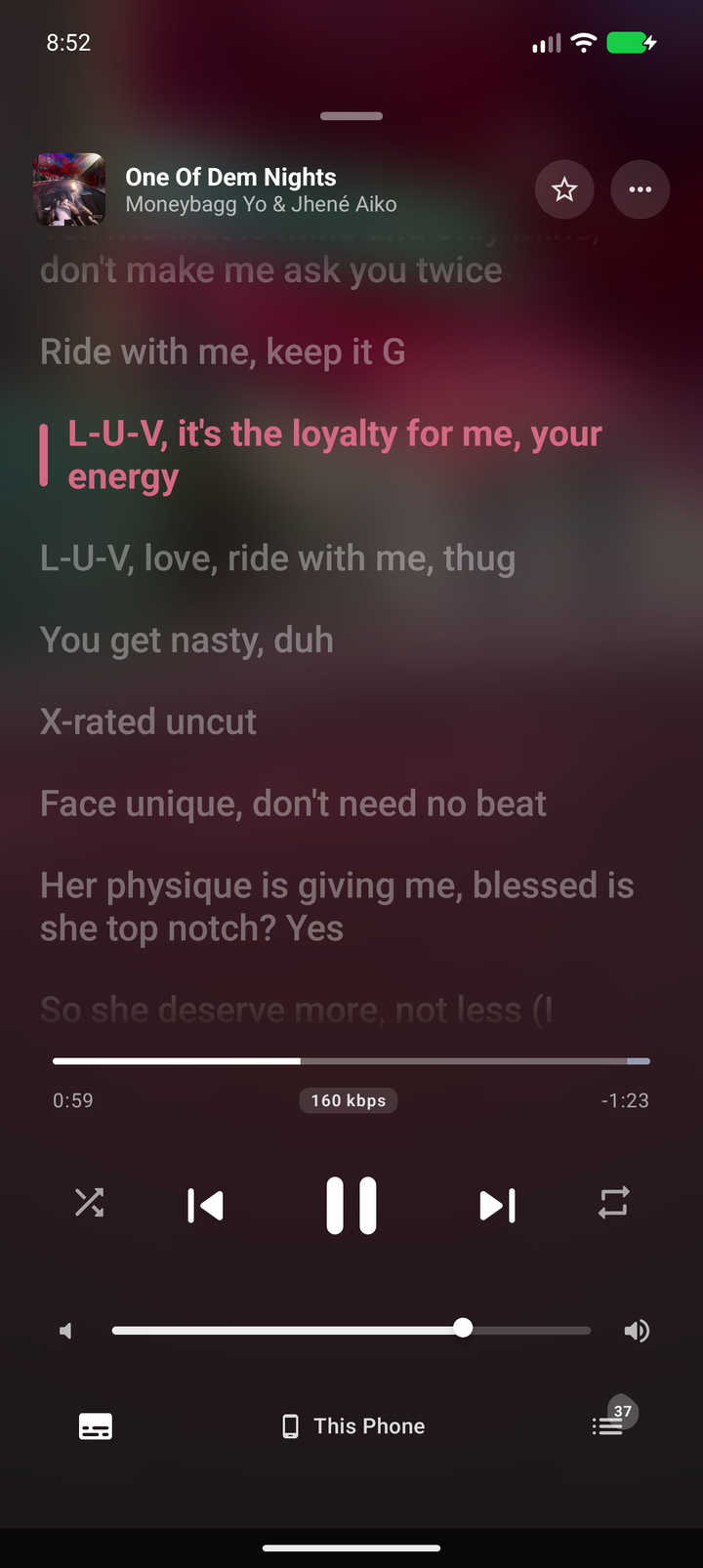
Listen to YouTube Music on Android with synced lyrics, queue controls, and more.

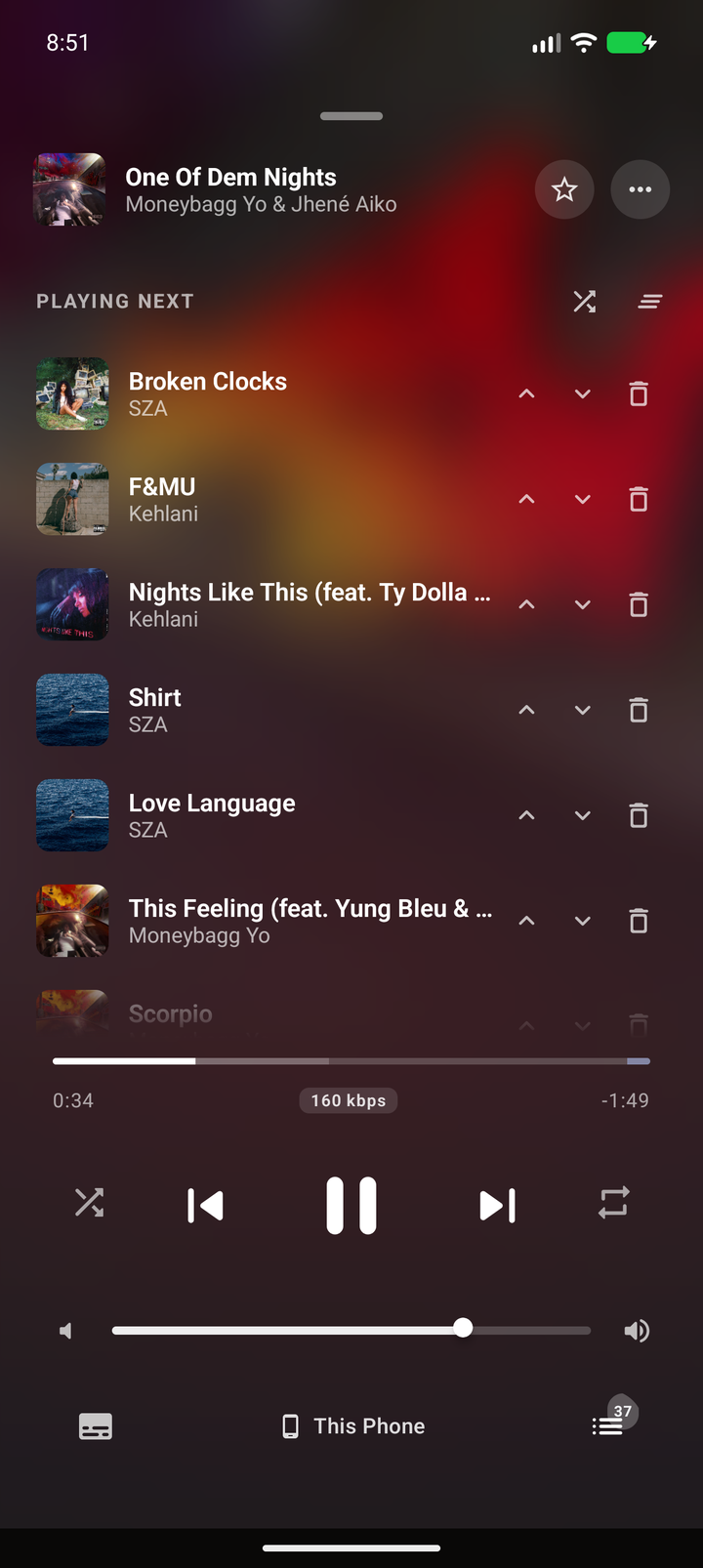
Use the Canary channel on desktop and the latest Beta prerelease on Android. Free software under AGPL-3.0-or-later.

Choose the installer, or extract the .7z archive to use Orchard as a portable app.
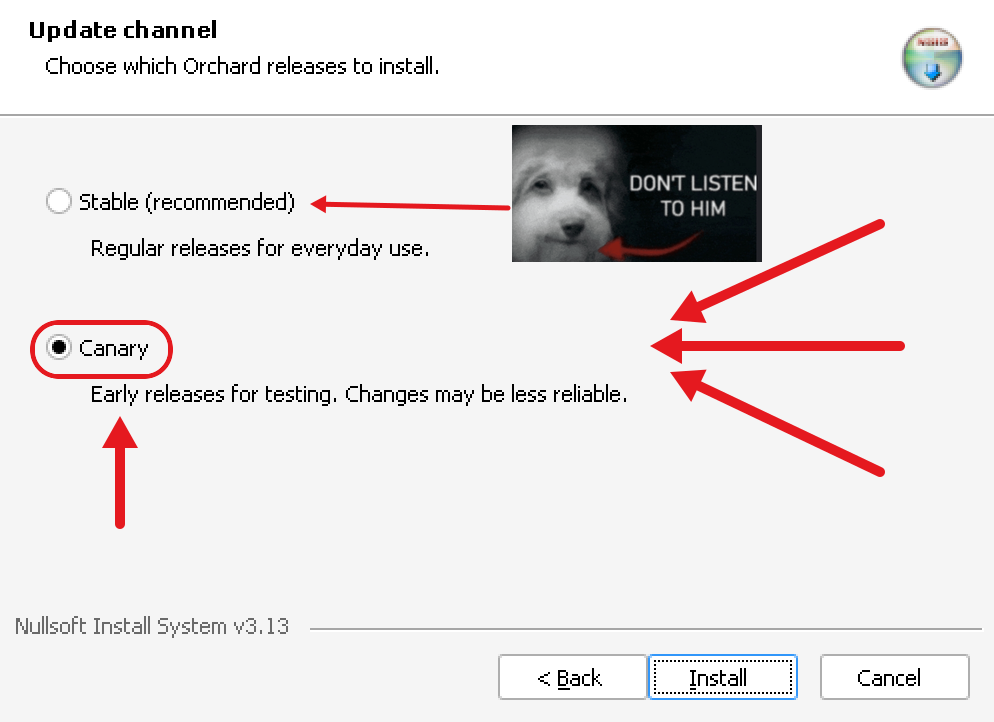

Run the portable AppImage, or use the installer to set up Orchard. Both downloads need executable permission.
In your file manager, allow the downloaded file to run as a program. Or open a terminal in your download folder and run the commands for your chosen download.
Portable AppImage
chmod +x Orchard-Linux-x86_64.AppImage
./Orchard-Linux-x86_64.AppImage
Installer
chmod +x orchard
./orchard --channel canary
./orchard
A standalone Android music client with its own library, playback engine, synced lyrics, offline cache, and smart crossfade.
All Android prereleases on GitHub →
Orchard for macOS is coming soon.
